Estefani – Blog

Systems Engineering Student


This page serves as a record of the workflow and contributions made to the WordPress image management module.

Step 1- Selecting the type of images for the contribution

The first thing I did was select the types of images I wanted for the contribution.


Step -3 Upload images

Here, the selected photos are uploaded 5 at a time, so that one of the WordPress collaborators can approve them, as this also ensures that the images are clear, not repeated, and authentic.

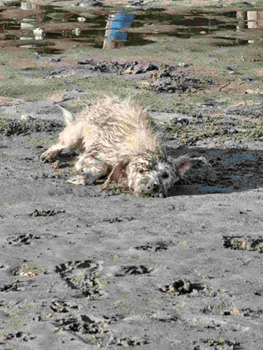
Duffy


Step 4- Wait for acceptance

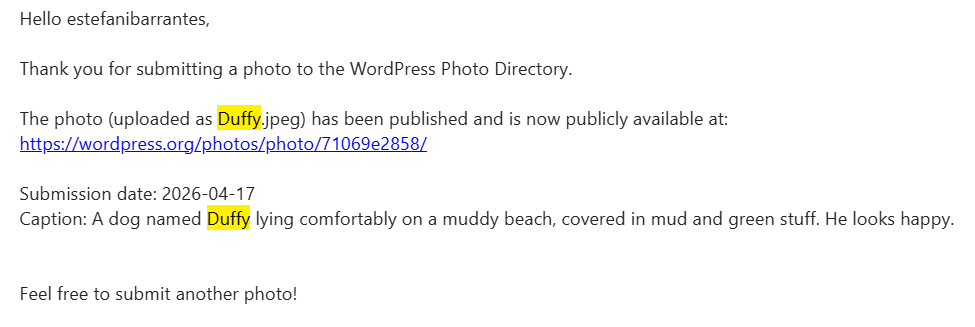
There is no specific timeframe for this, but when the image is approved or rejected, an email is sent from the collaborator.

Experience

— Thank you-